
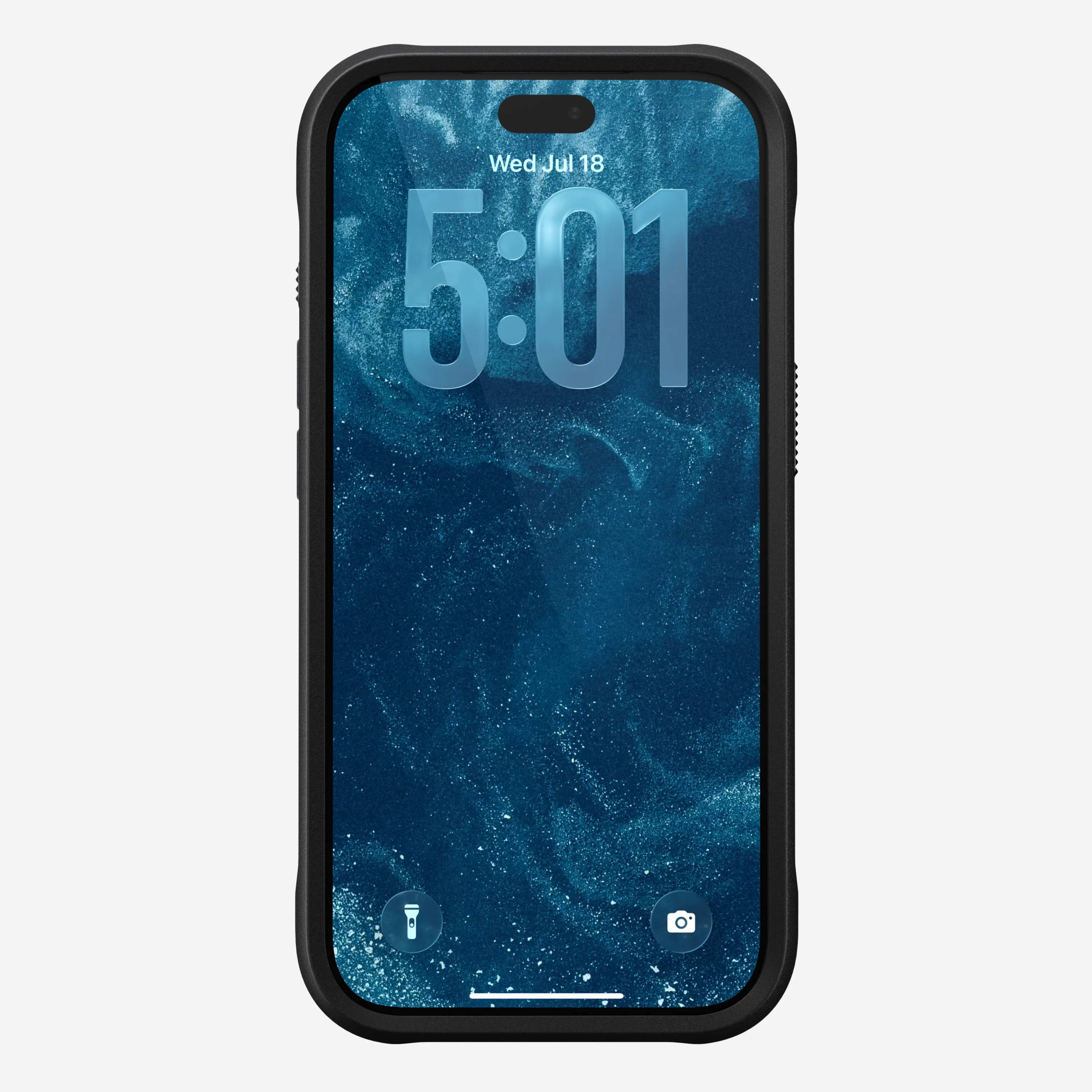
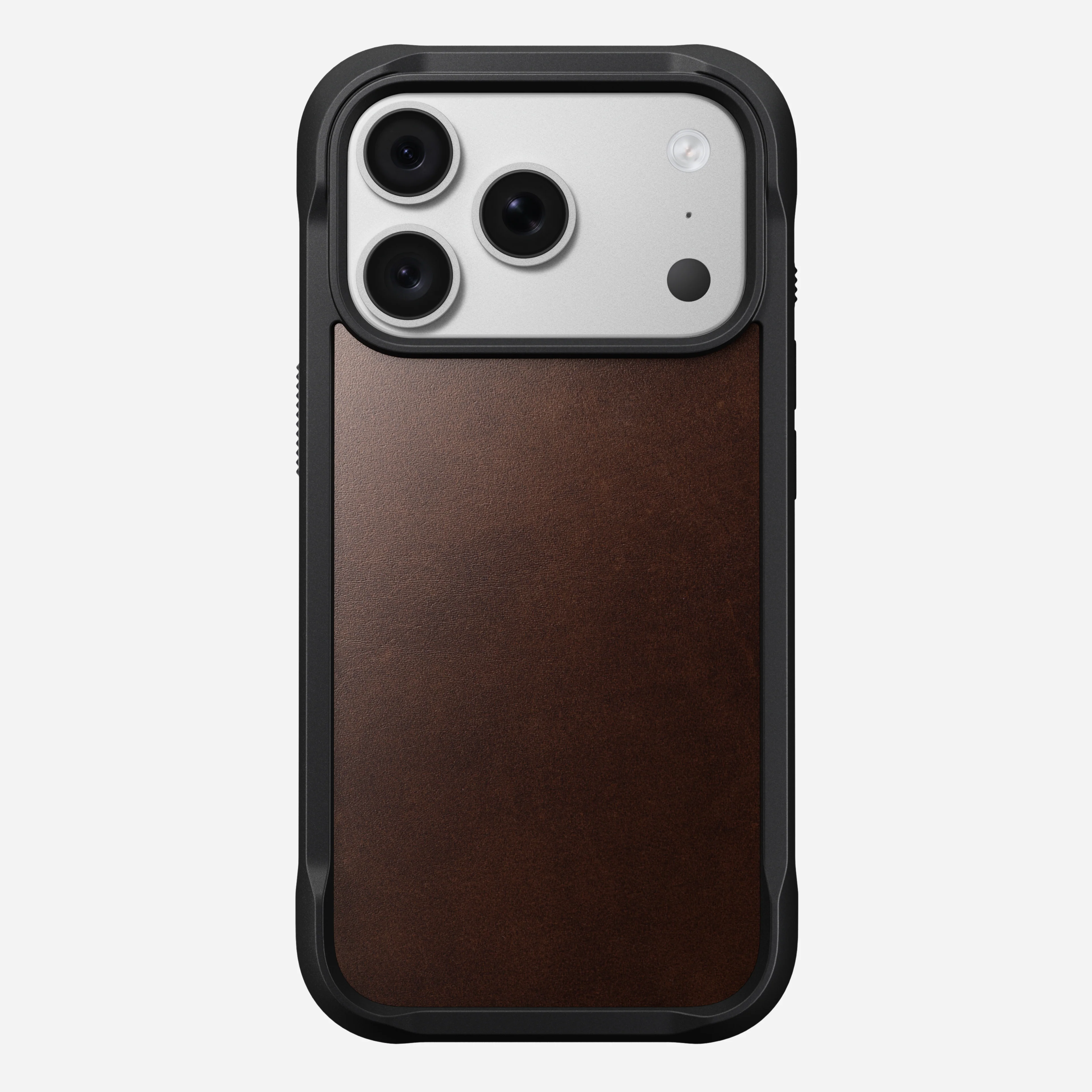
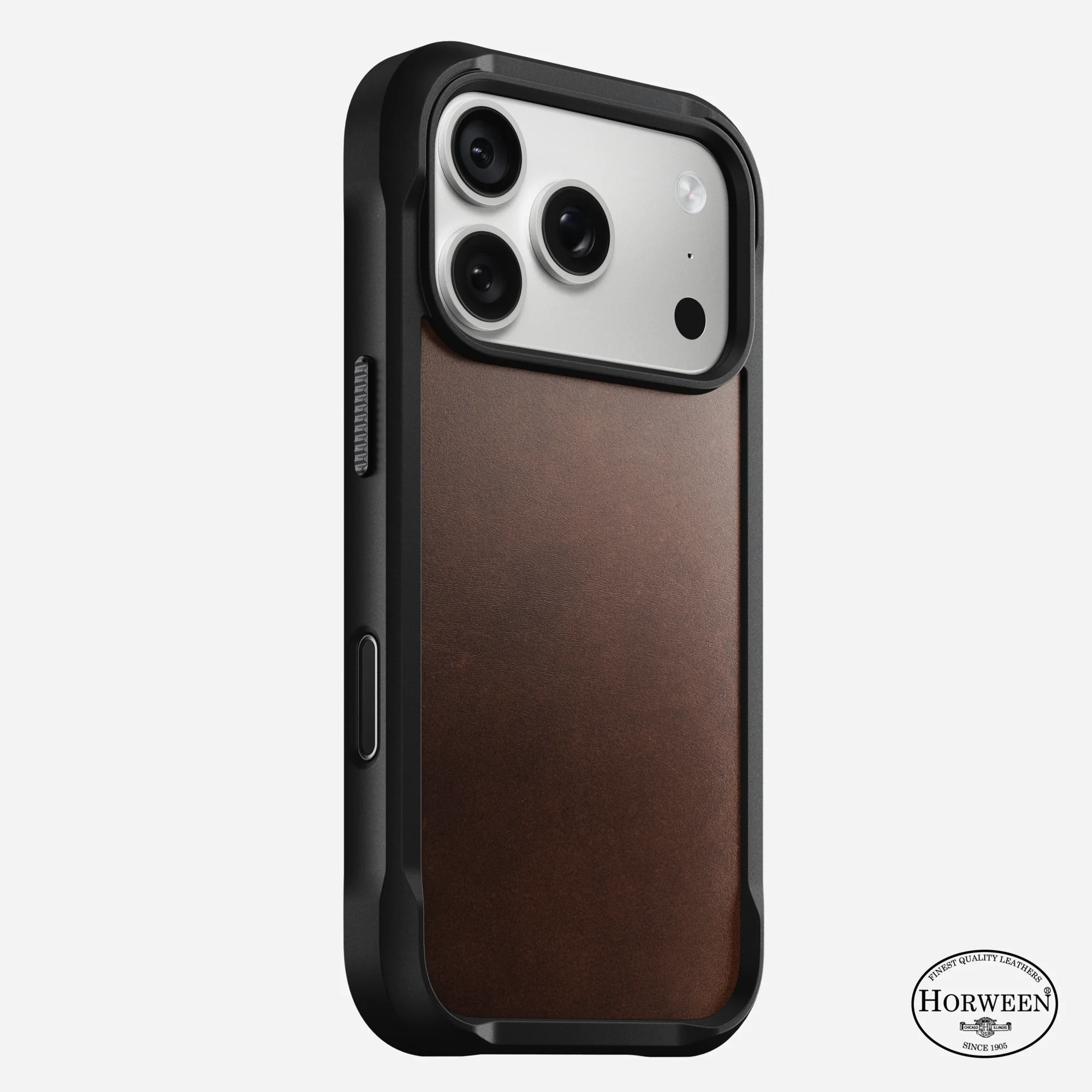


- Compatible with iPhone 17 & 18 Pro
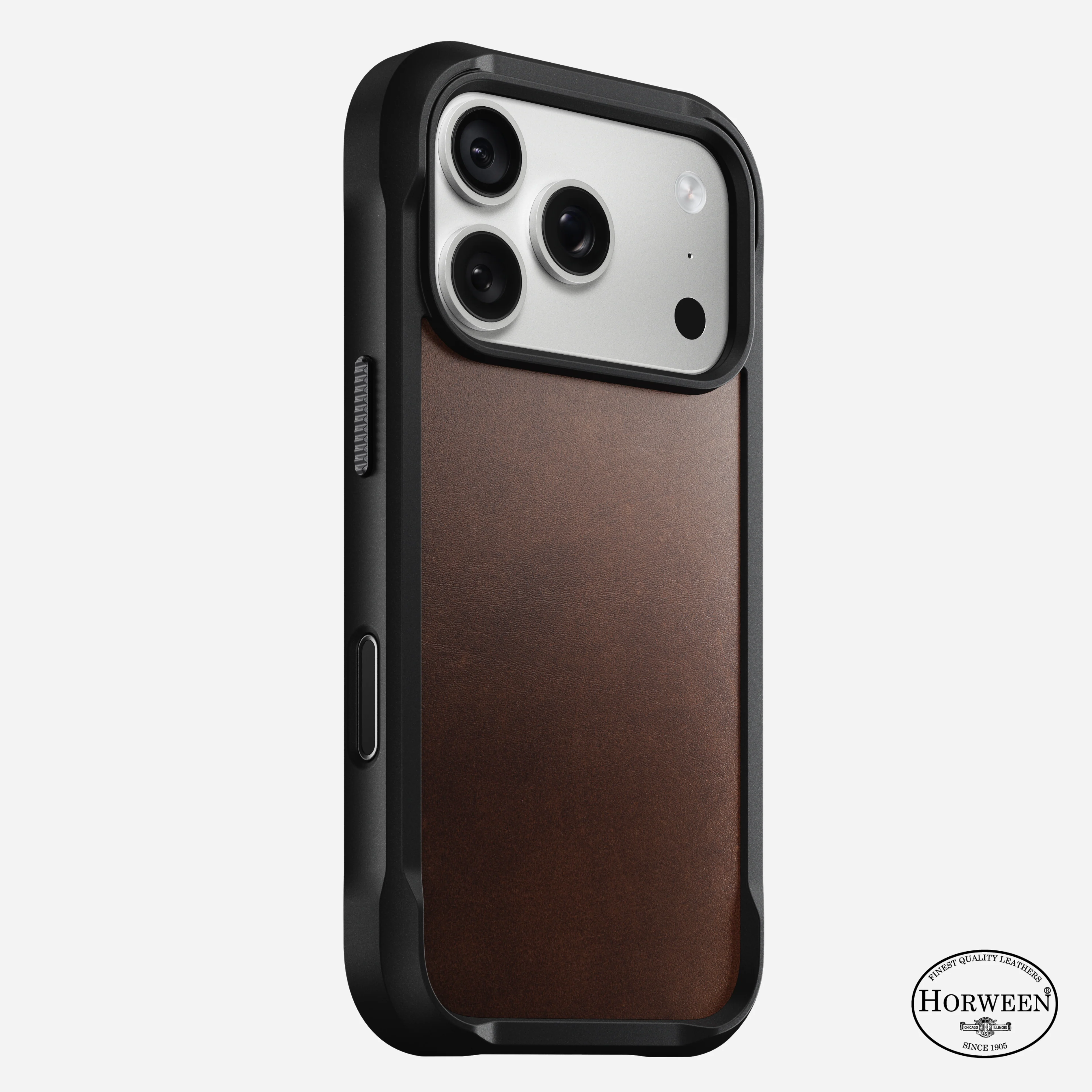
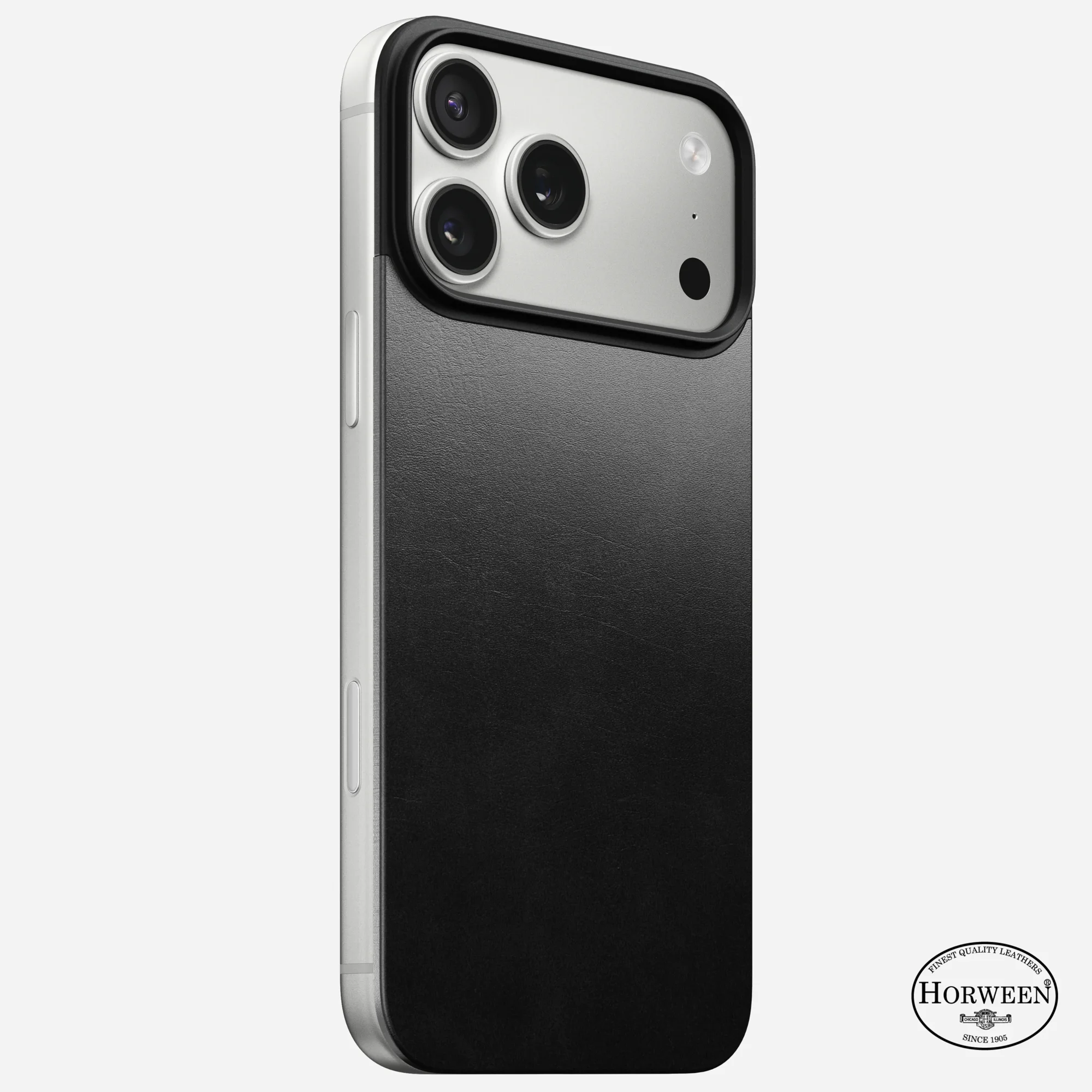
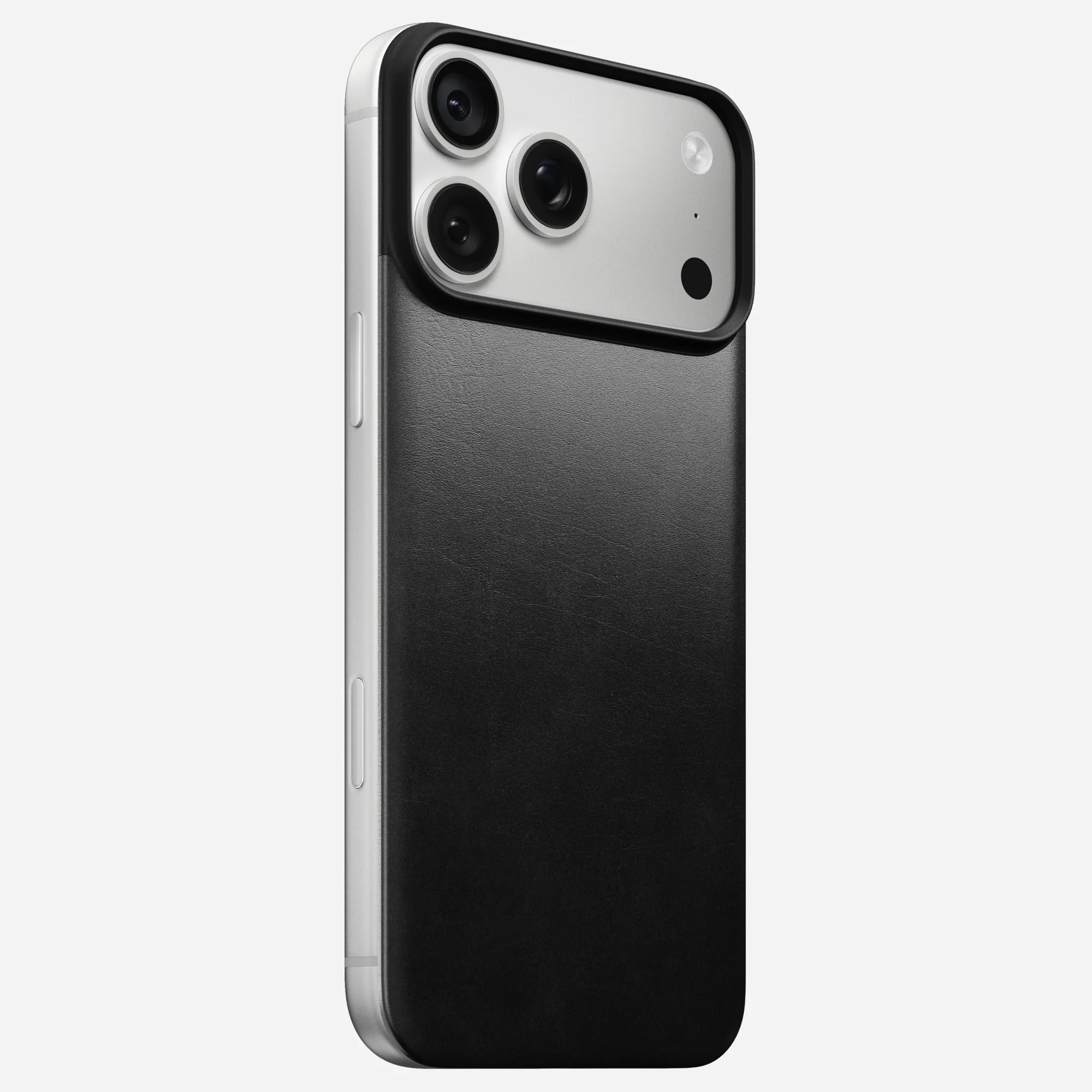
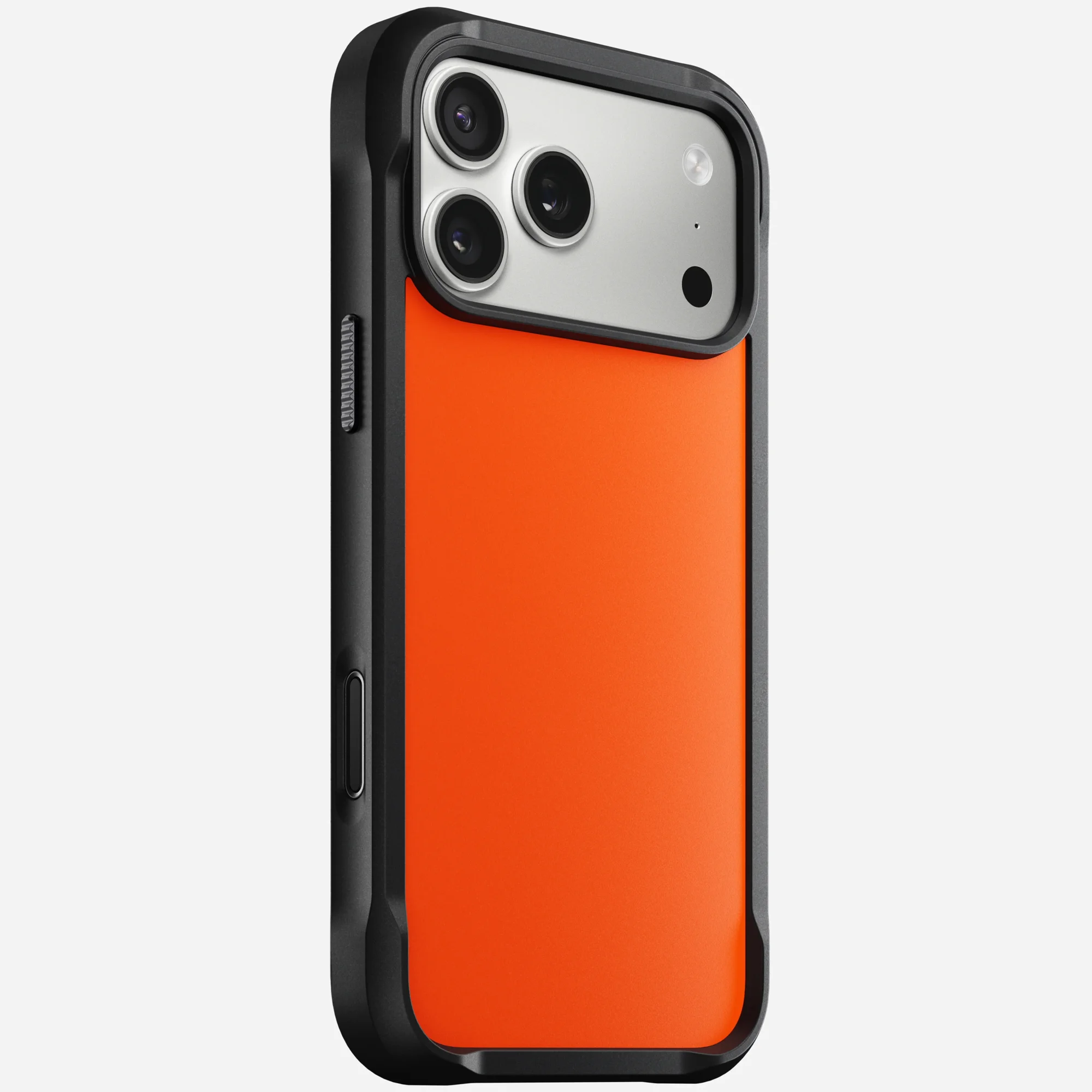
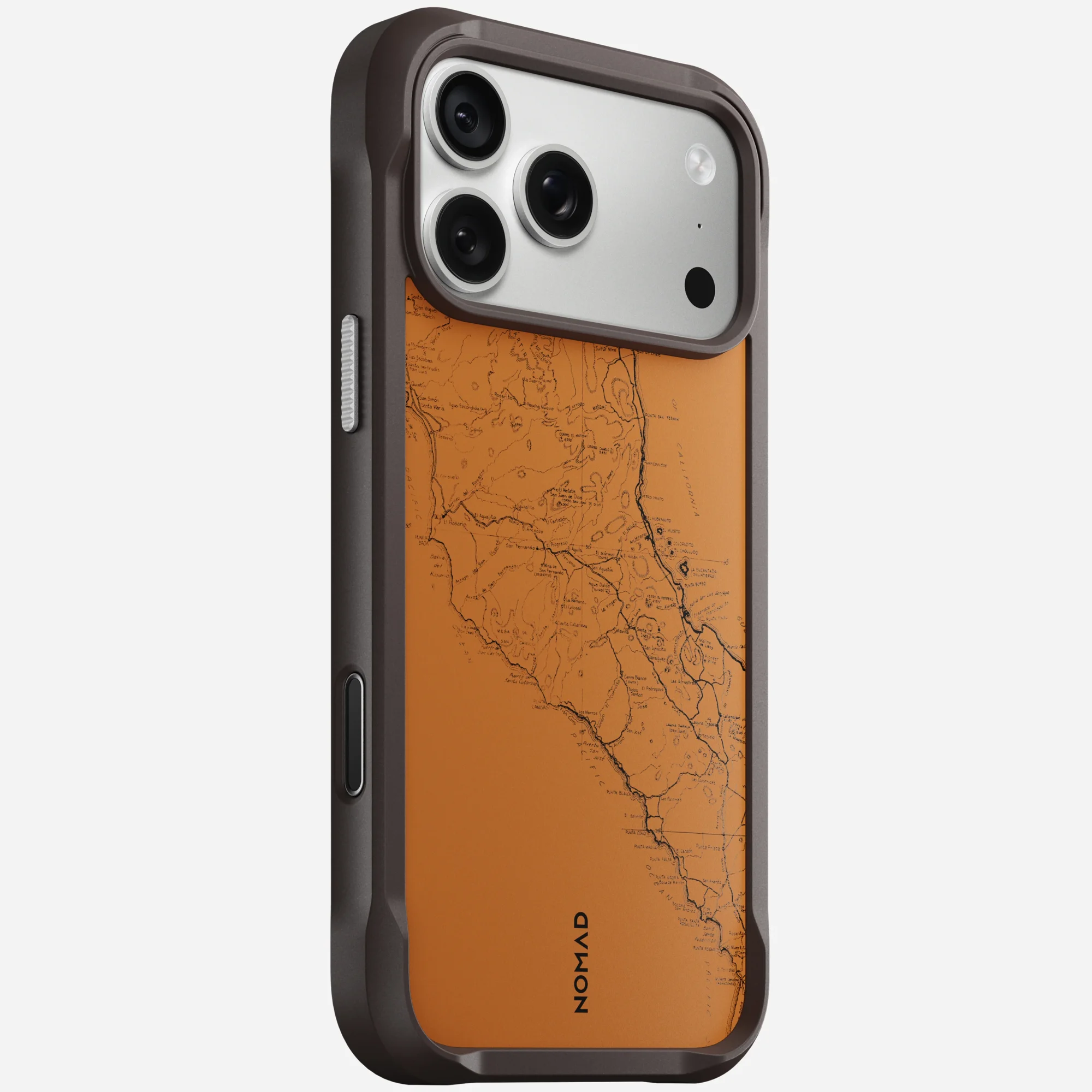
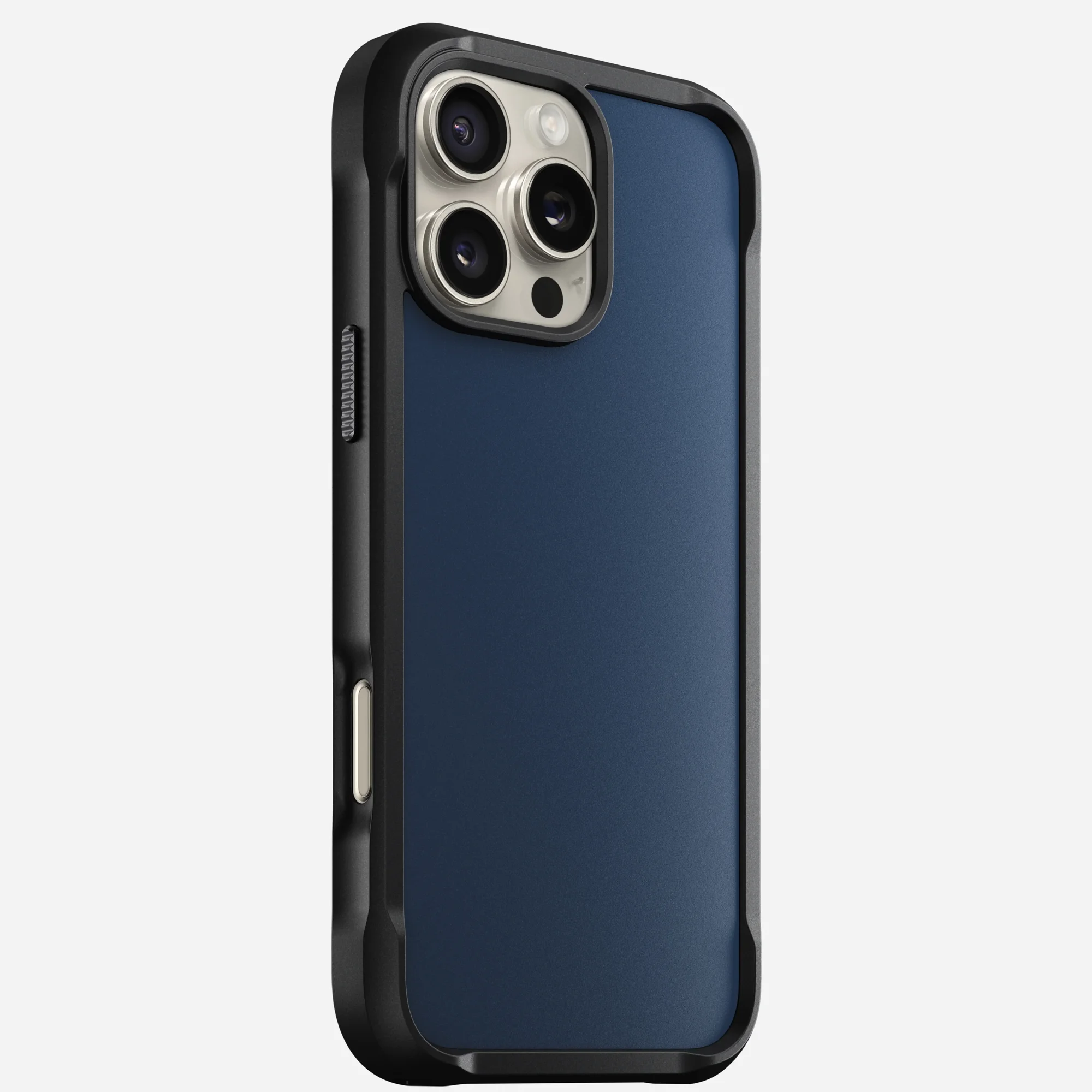
- Durable TPU bumpers & camera ring
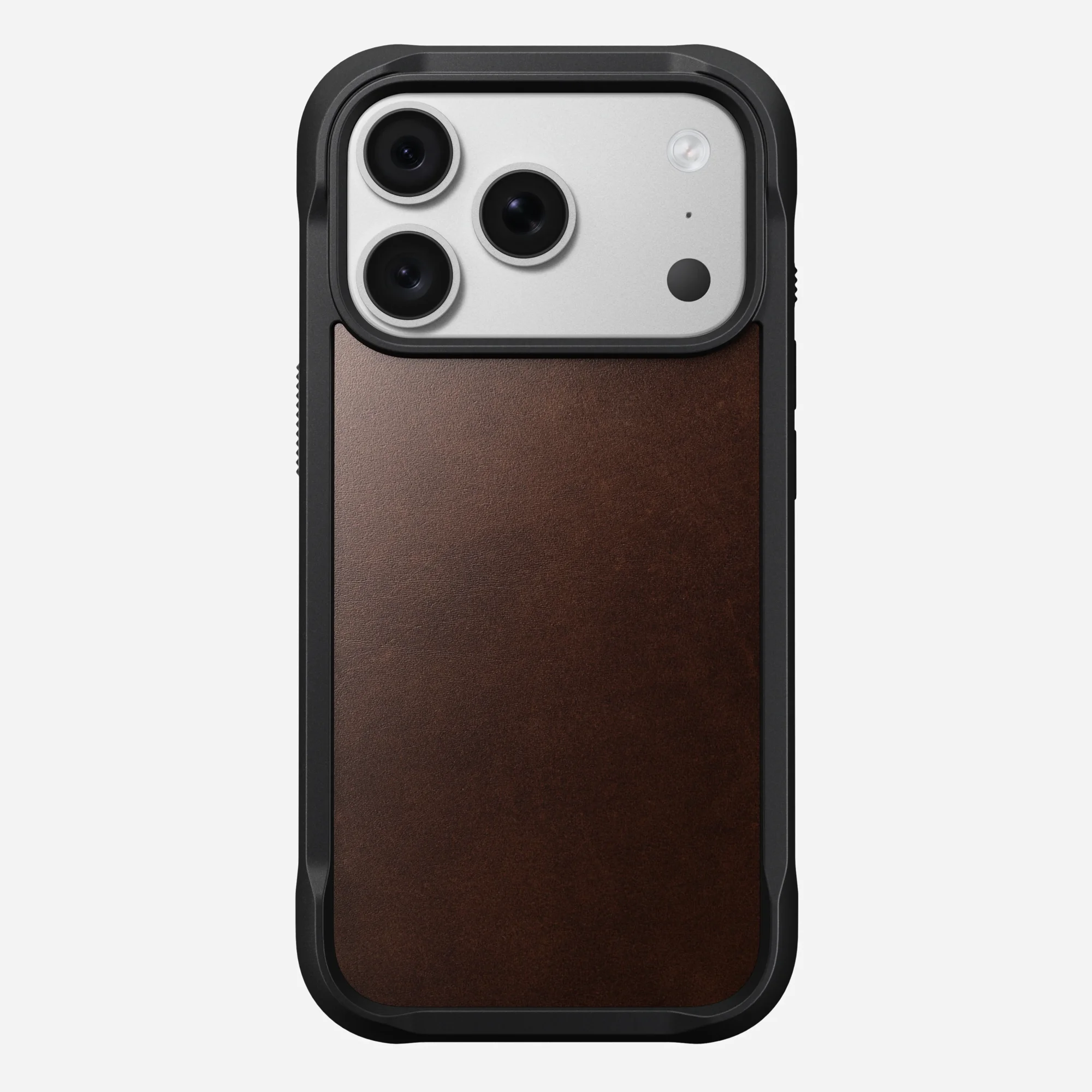
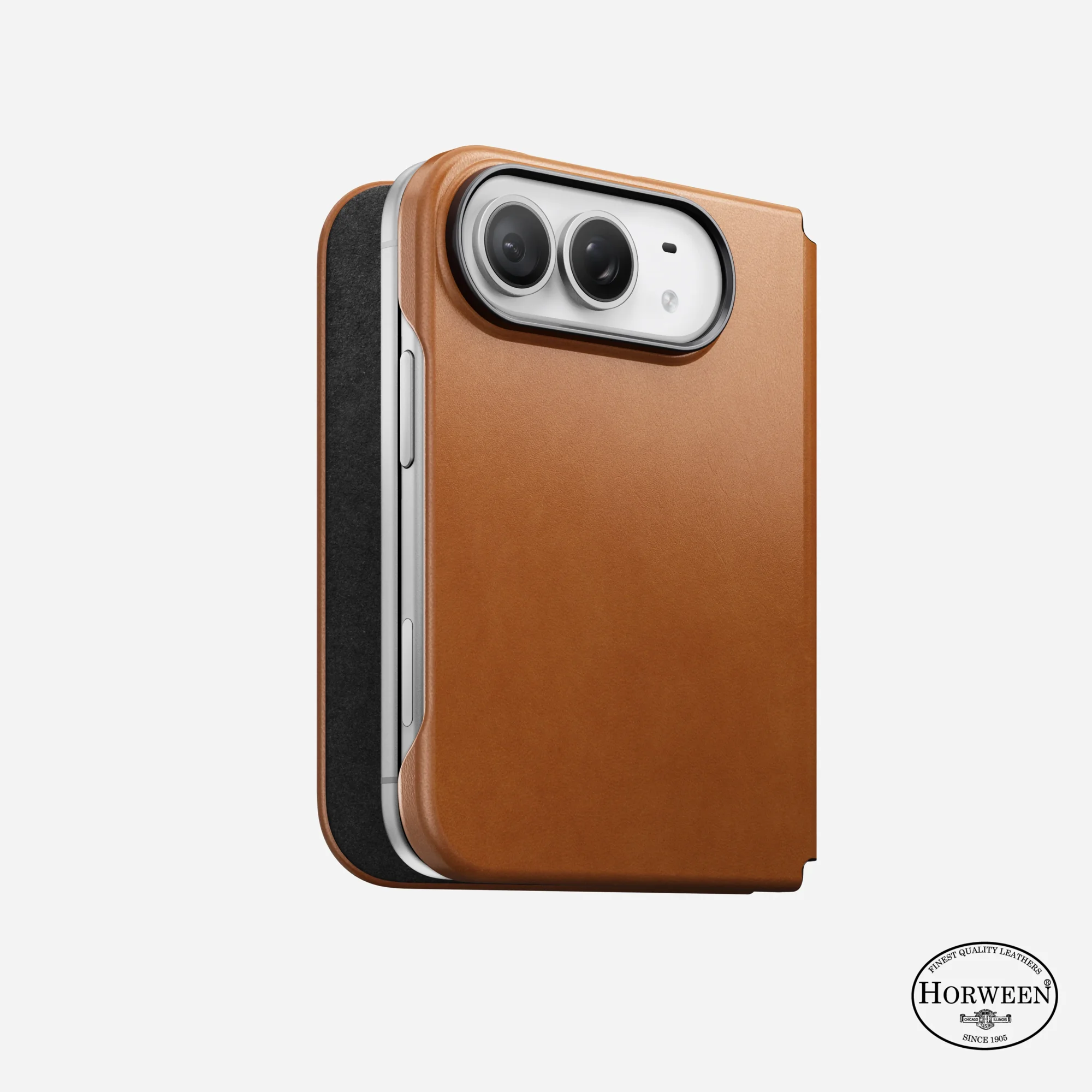
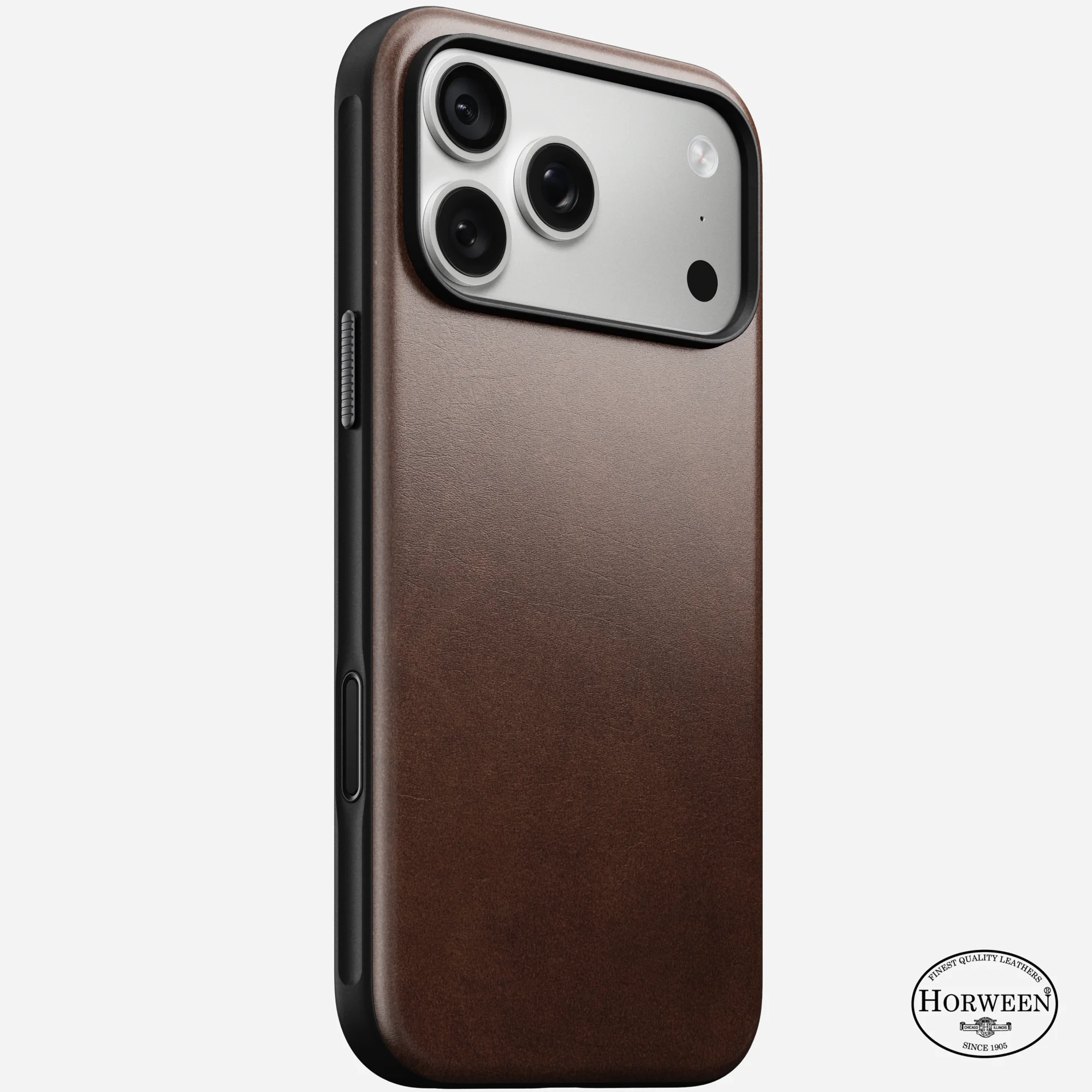
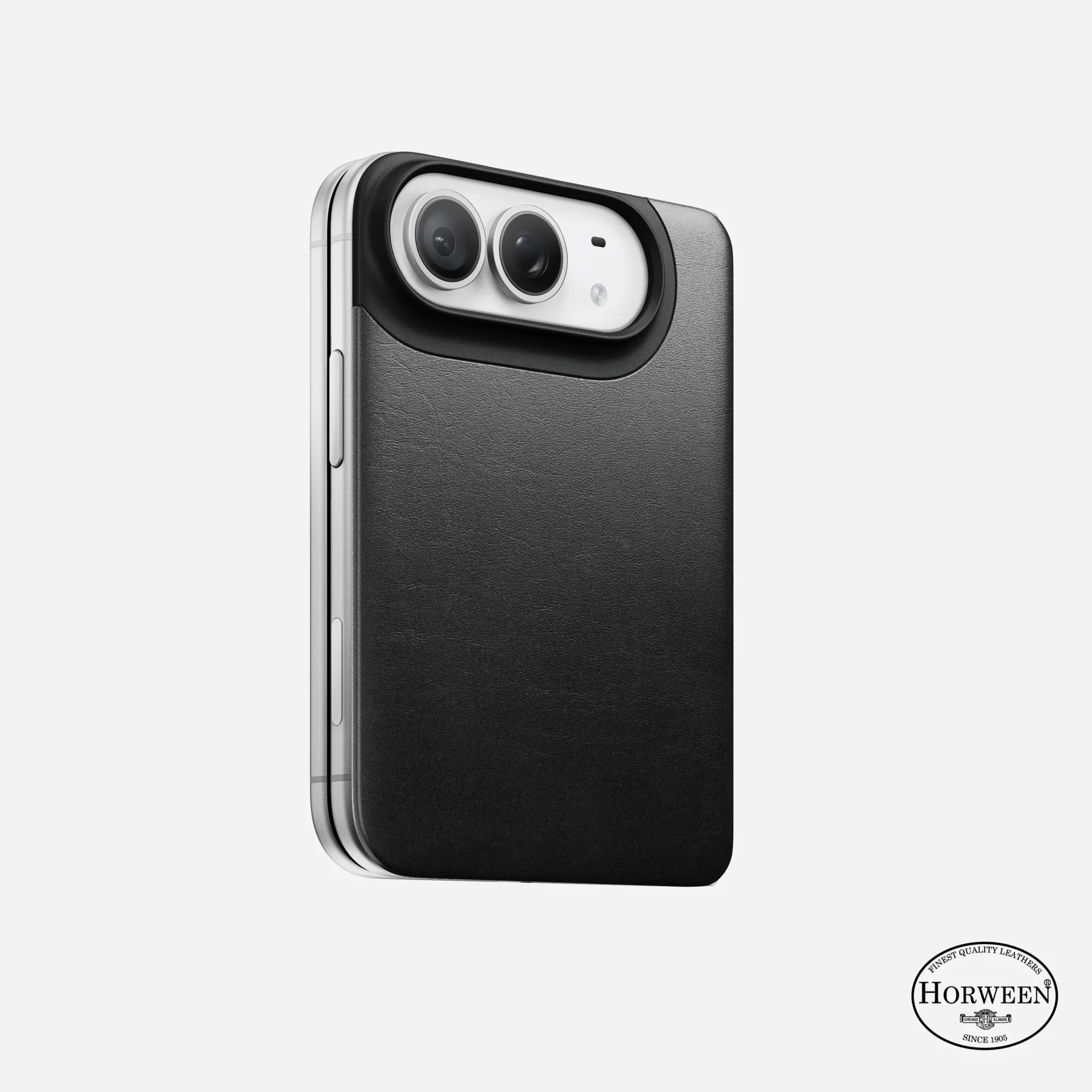
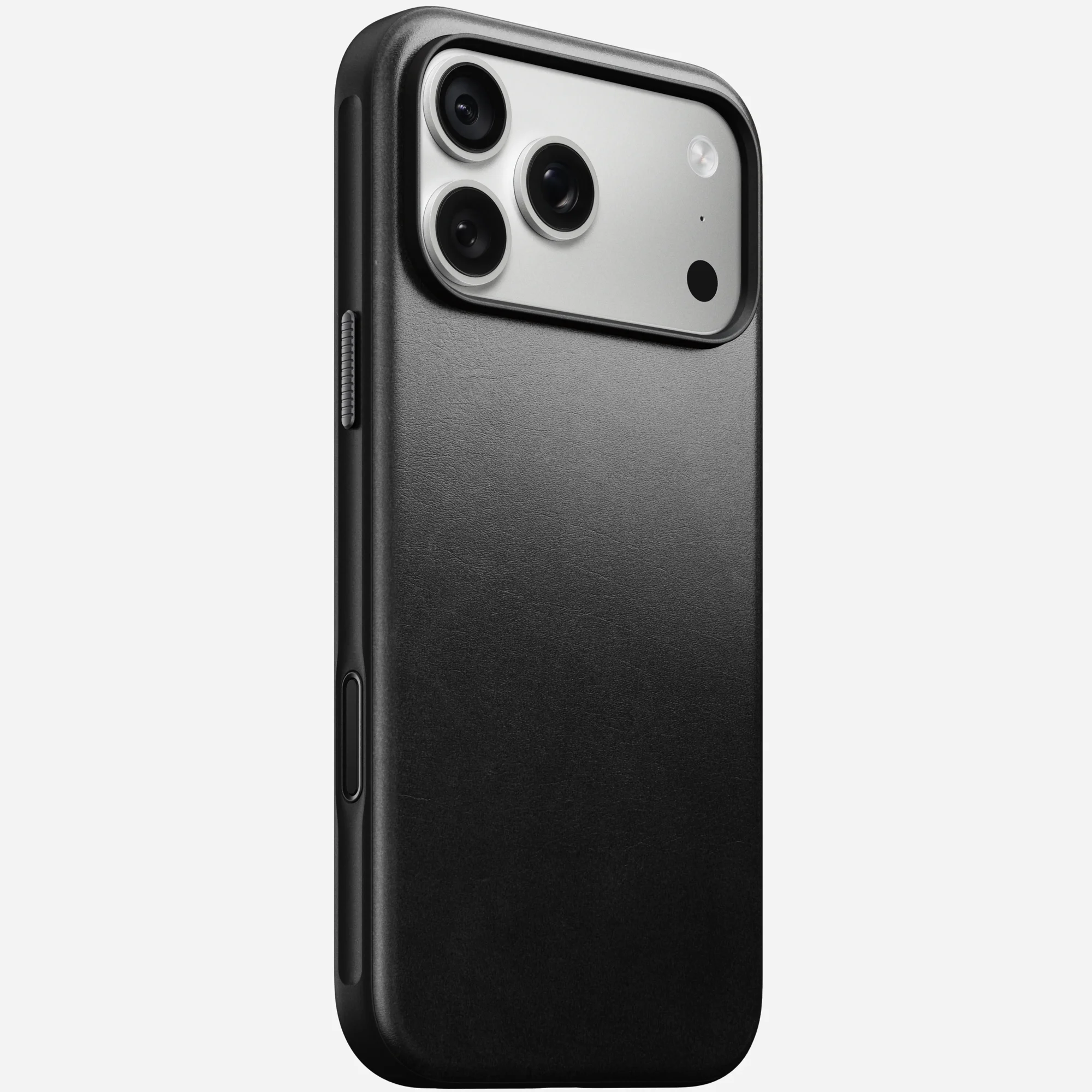
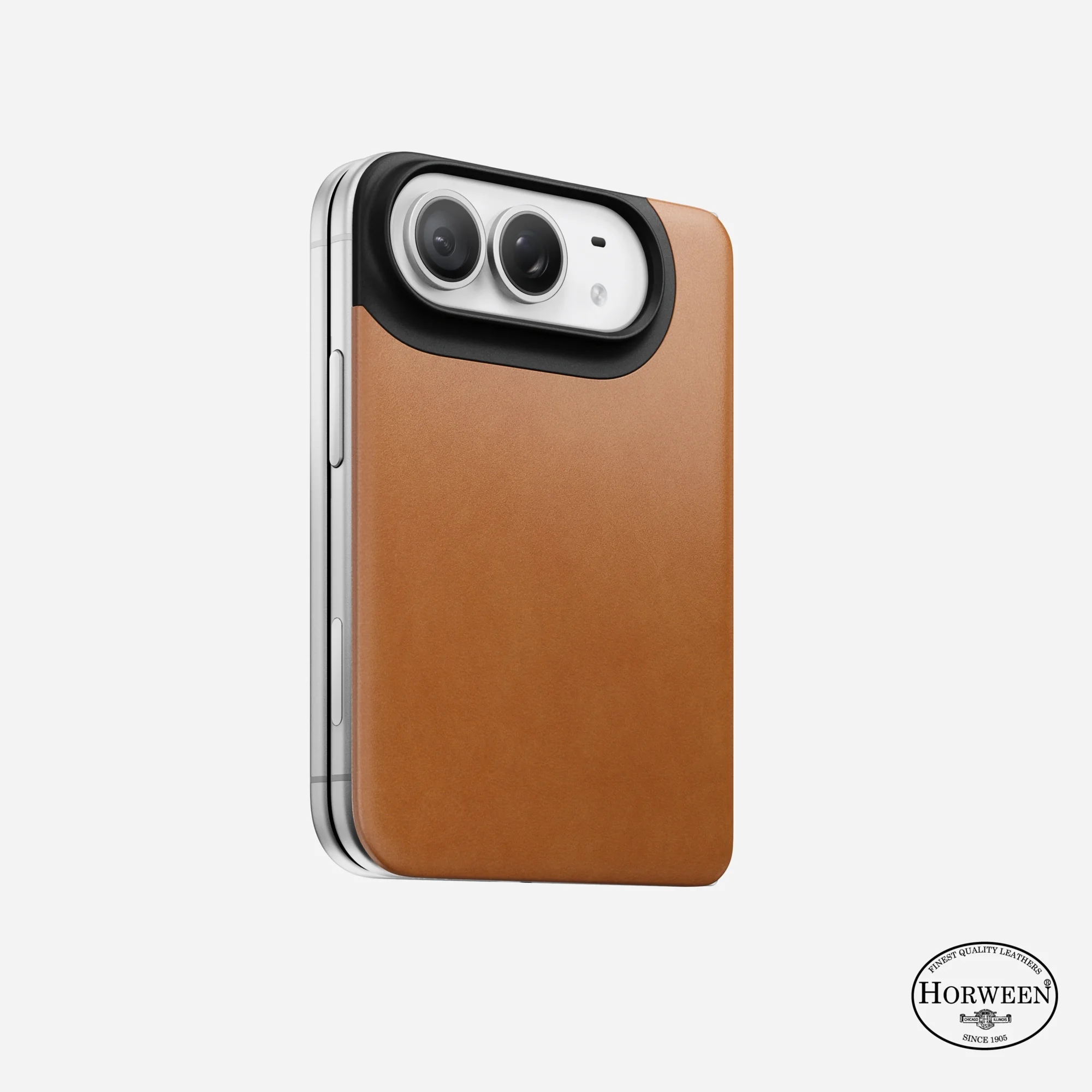
- Horween leather from the USA
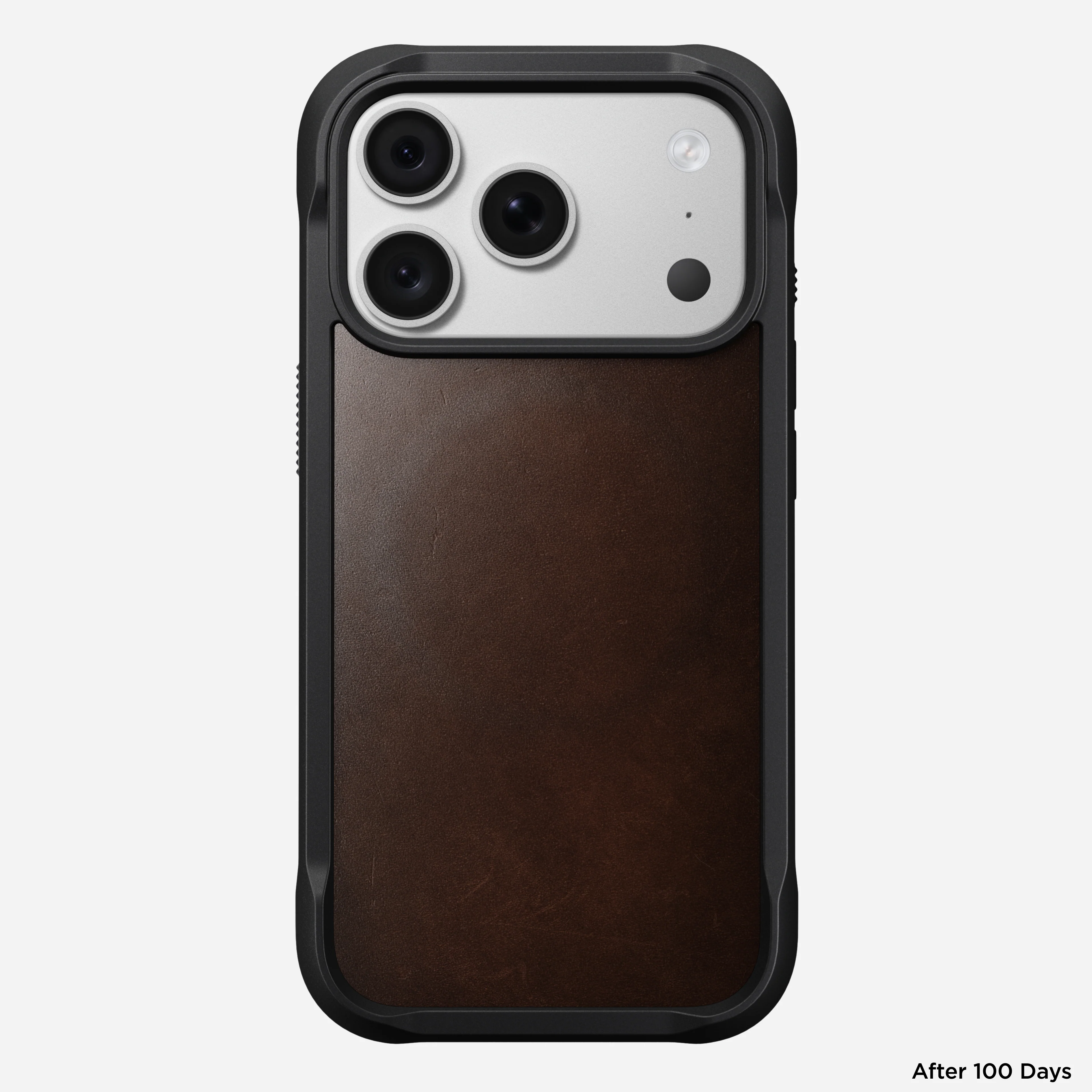
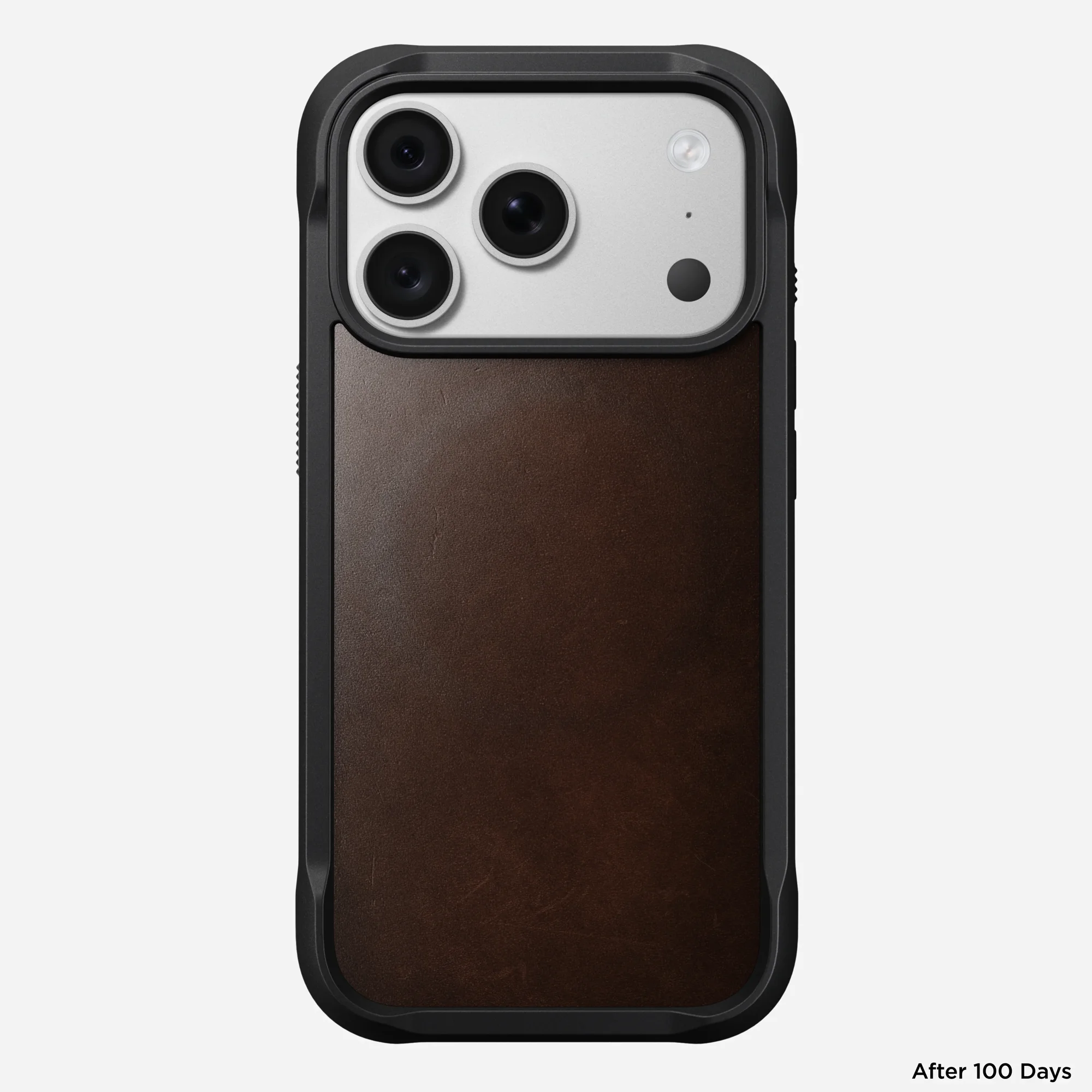
- Develops a rich patina
- Tactile Camera Control button
- Anodized aluminum buttons
- 15ft drop protection
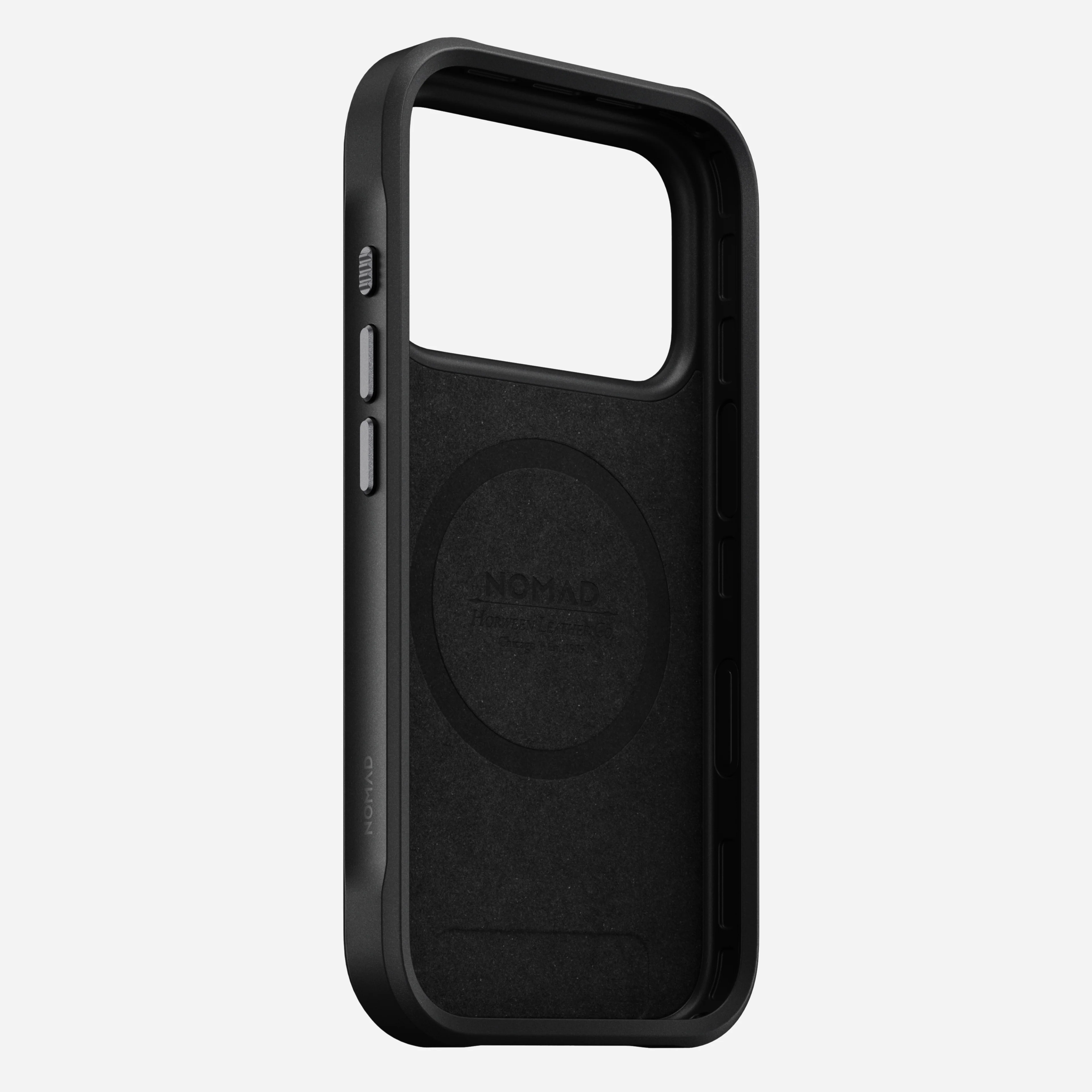
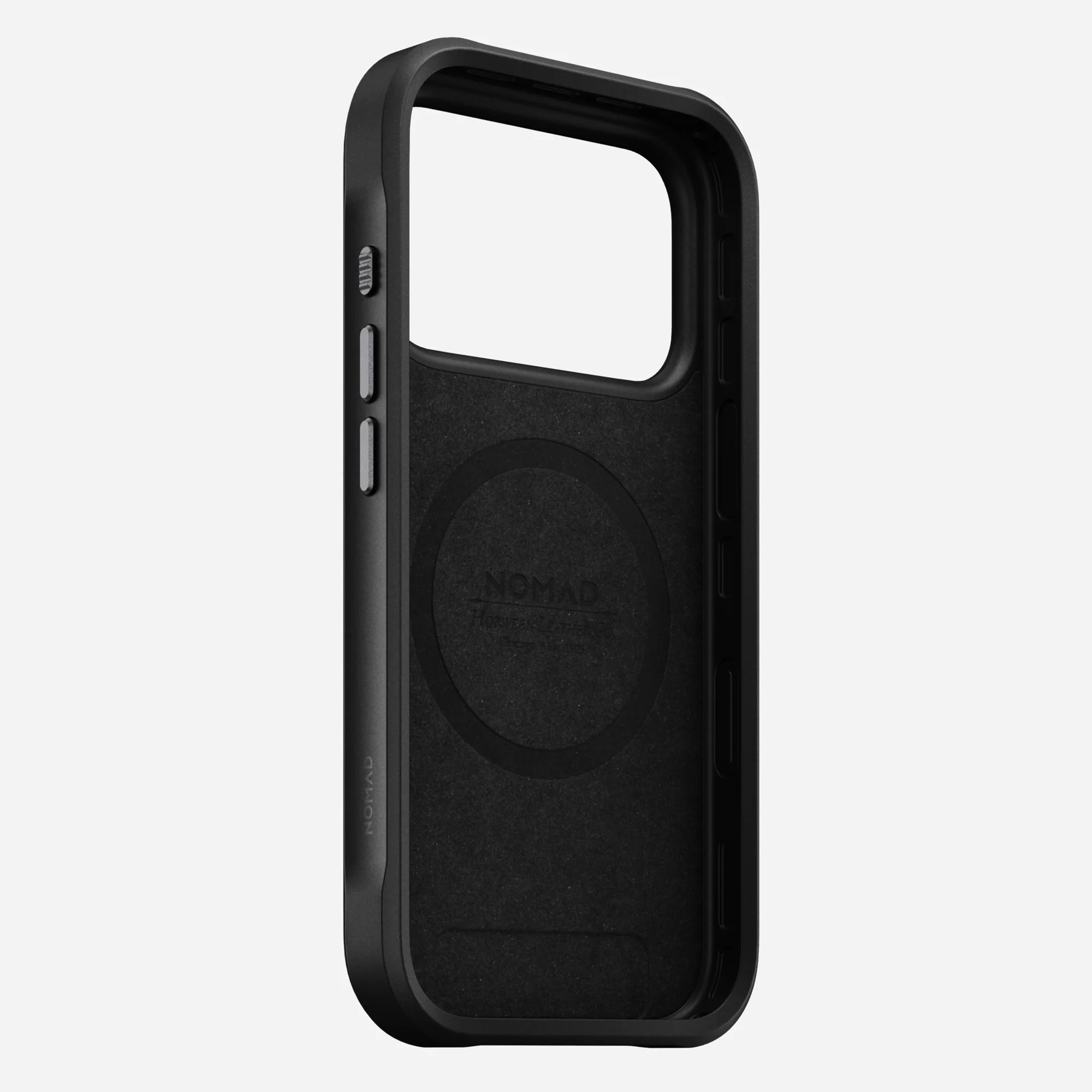
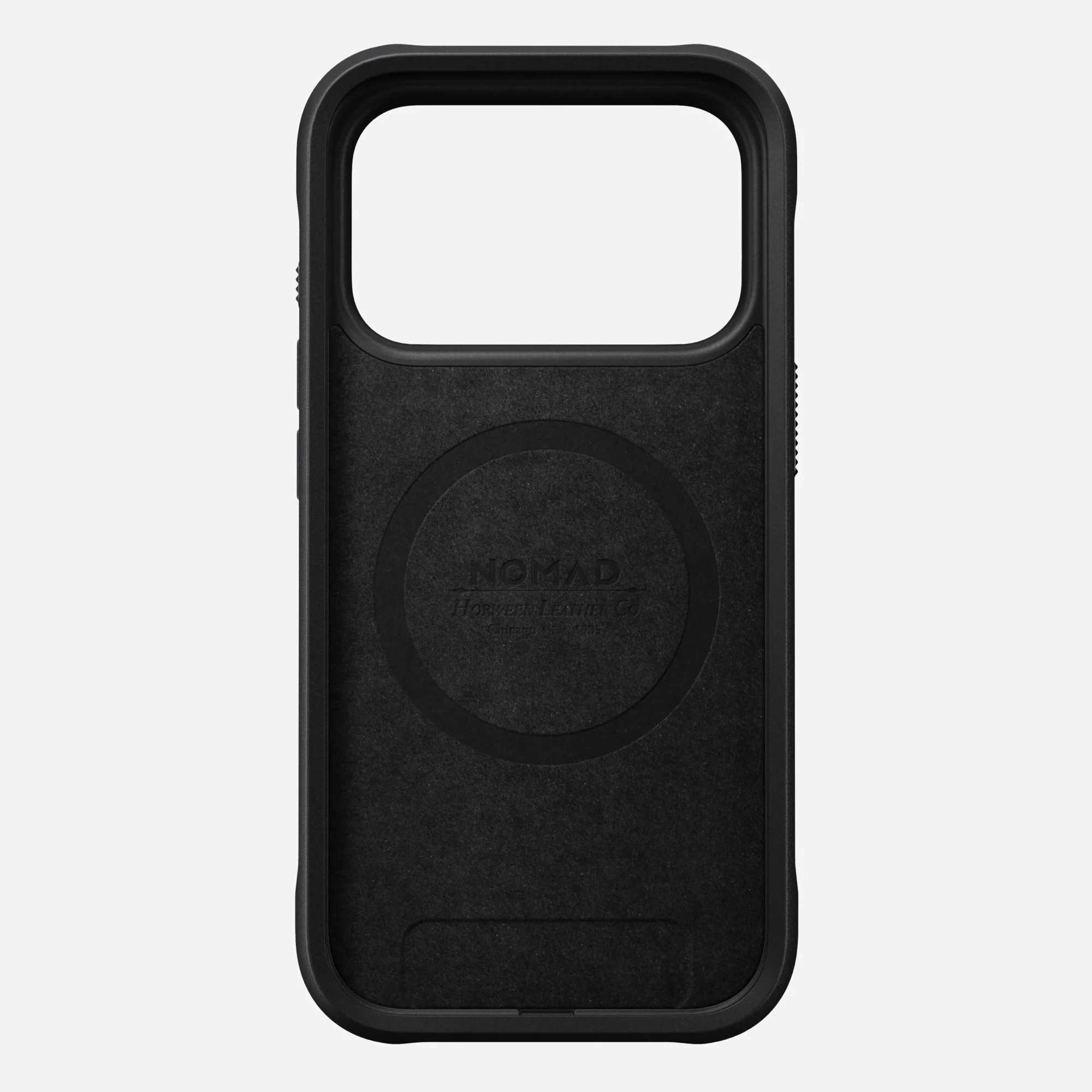
- Internal lanyard attachment system
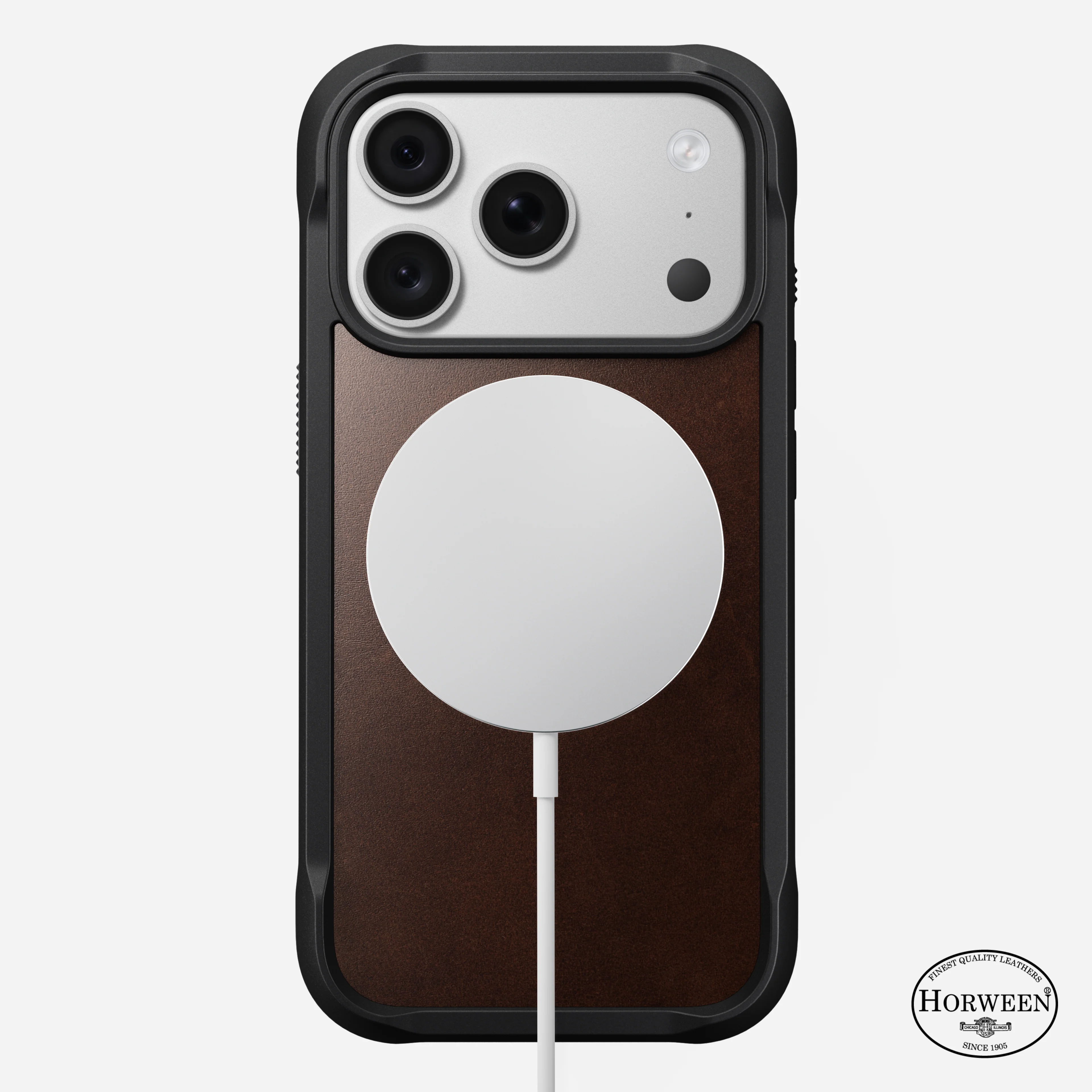
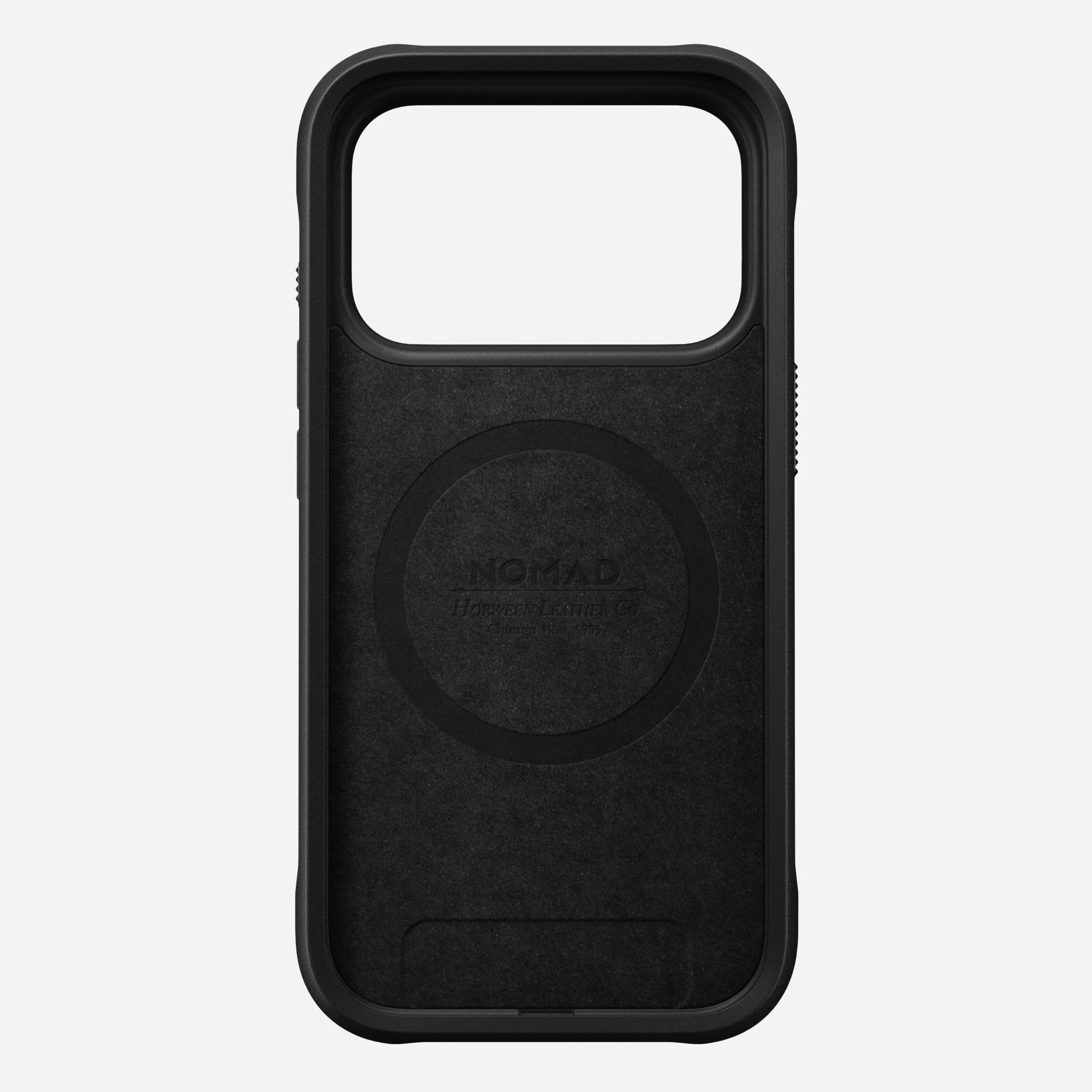
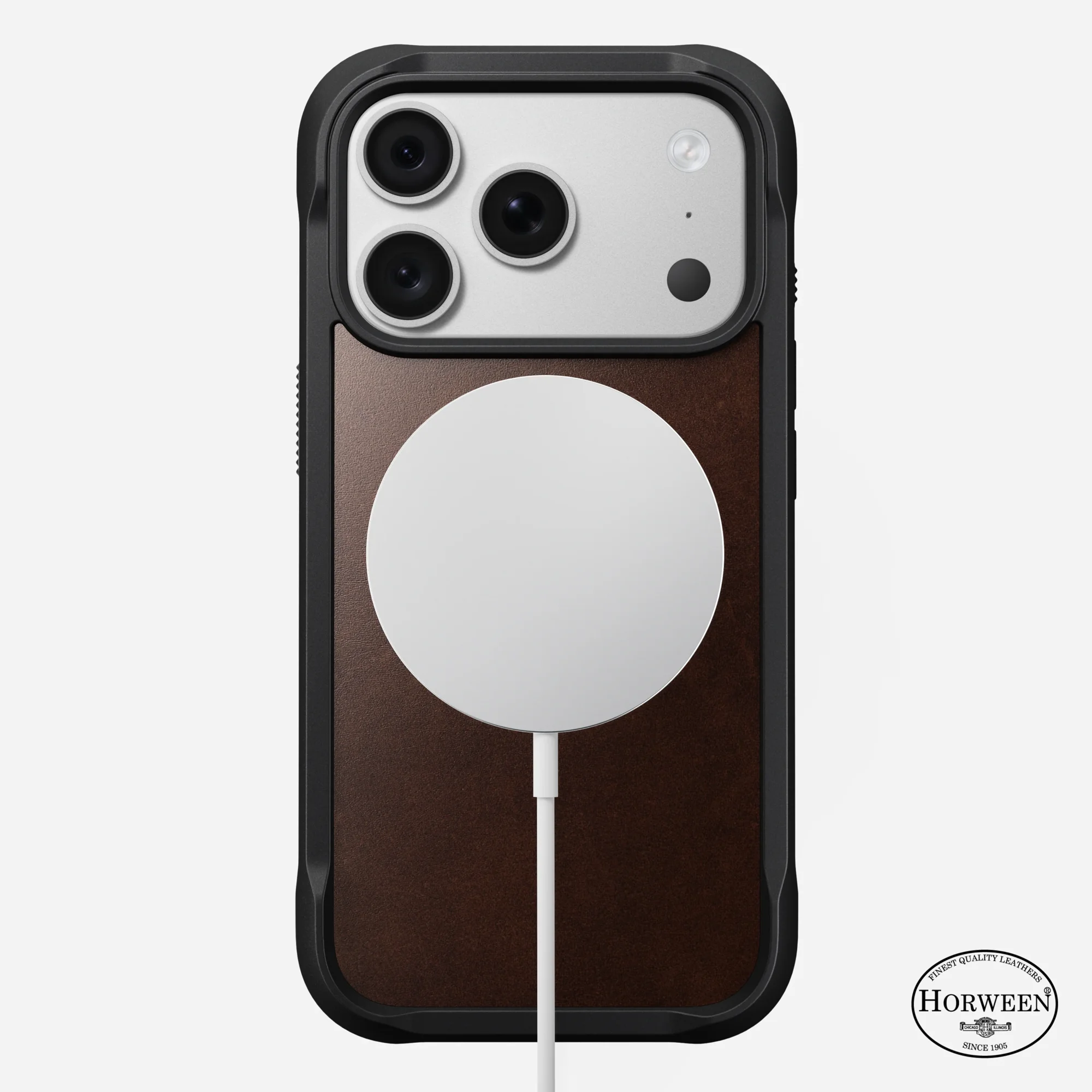
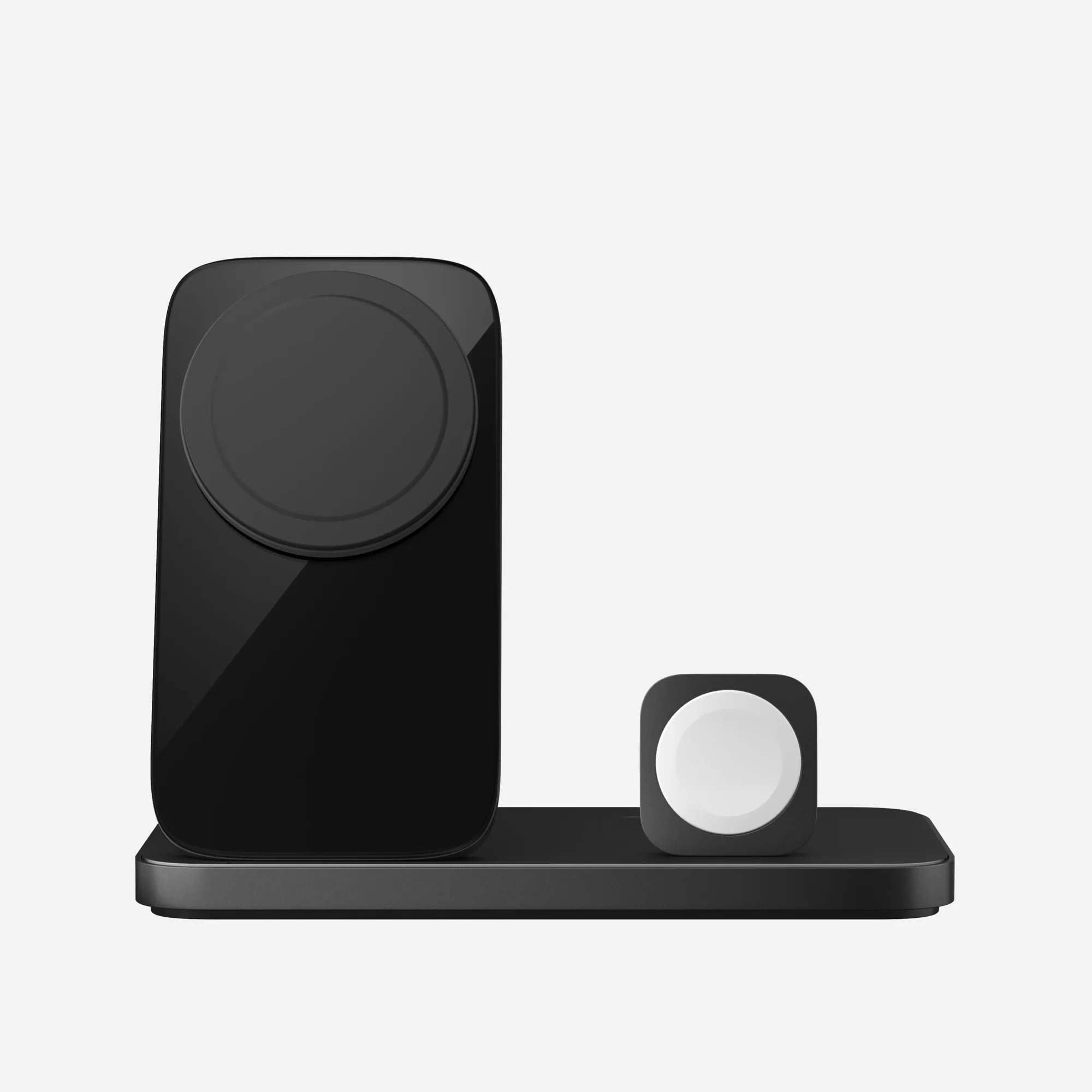
- MagSafe & Qi2 compatible
- Materials
- Vegetable-tanned Horween leather
- Polycarbonate frame
- TPU bumpers & camera ring
- Microfiber interior
- Fortified corner bumpers
- Glass Camera Control button
- Anodized aluminum buttons
- Technical
- Compatible with iPhone 17 & 18
- 15ft drop protection
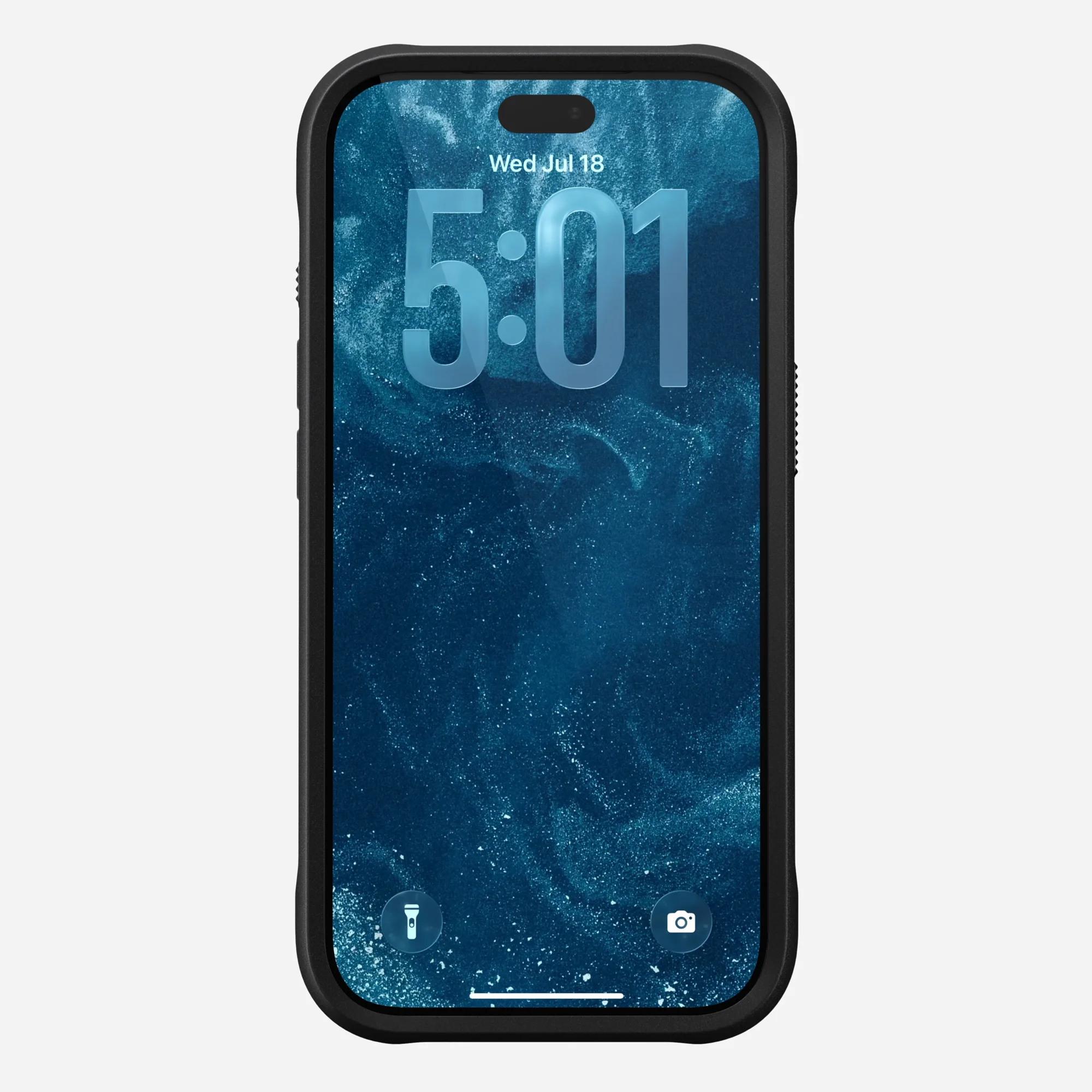
- Raised edges to protect screen and camera
- Height above screen at bottom of iPhone: 1.11mm
- Height above screen along the sides and top of iPhone: 1.85mm
- Bumper thickness: 3.3mm
- SKU: 114765118E8E
- UPC: 856504017941
- MagSafe
- Nickel-plated Neodymium magnets
- 800-1100gf magnetic force when paired with Apple-certified accessories
- Alignment magnet for compatibility with orientation-specific accessories
- Will this case work with iPhone 17? Yes. All of our iPhone 18 cases are compatible with iPhone 17!
- How is Horween different from other leathers? Horween leather has been made the traditional way since 1905. Unlike most modern leathers that rely on synthetic chemicals, dyes, and sealants for a flawless surface, Horween® preserves the leather’s natural character through time-honored tanning methods. The result is a handcrafted material that looks and feels authentic. Learn more about Horween leather.
- Will the leather change over time? Absolutely! Horween leather is minimally treated to preserve its natural character, allowing it to break in quickly and develop a rich patina from the start. Scuffs and marks become part of the process, adding depth and character with every use. If you’re after the look of authentic, lived-in leather, this one’s for you.
- How should I care for my case’s leather? Watch our instructional video on caring for your leather. We recommend using Ashland Leather Co’s Leather Conditioner.
- Is the case MagSafe compatible? Yes Rugged Leather Case will work with any MagSafe charger and accessory.
- How do I attach a lanyard? Place Wrist Strap’s anchor in the recessed area on the inside of the case, then push the D-ring through the USB-C port hole. Insert your iPhone into place, then loop the Wrist Strap through the D-ring to finish. Want to use a different lanyard? Simply thread it through the D-ring, but note that you’ll still need the anchor attachment.
- More questions? Check out the product guide.
Reviews
There are no reviews yet.